NOTE
2.18 使用
1. 创建项目 2. pom.xml 3. 代码 - server - client
这是历史学习笔记,可能存在过时或不完整的理解。
1. 创建项目
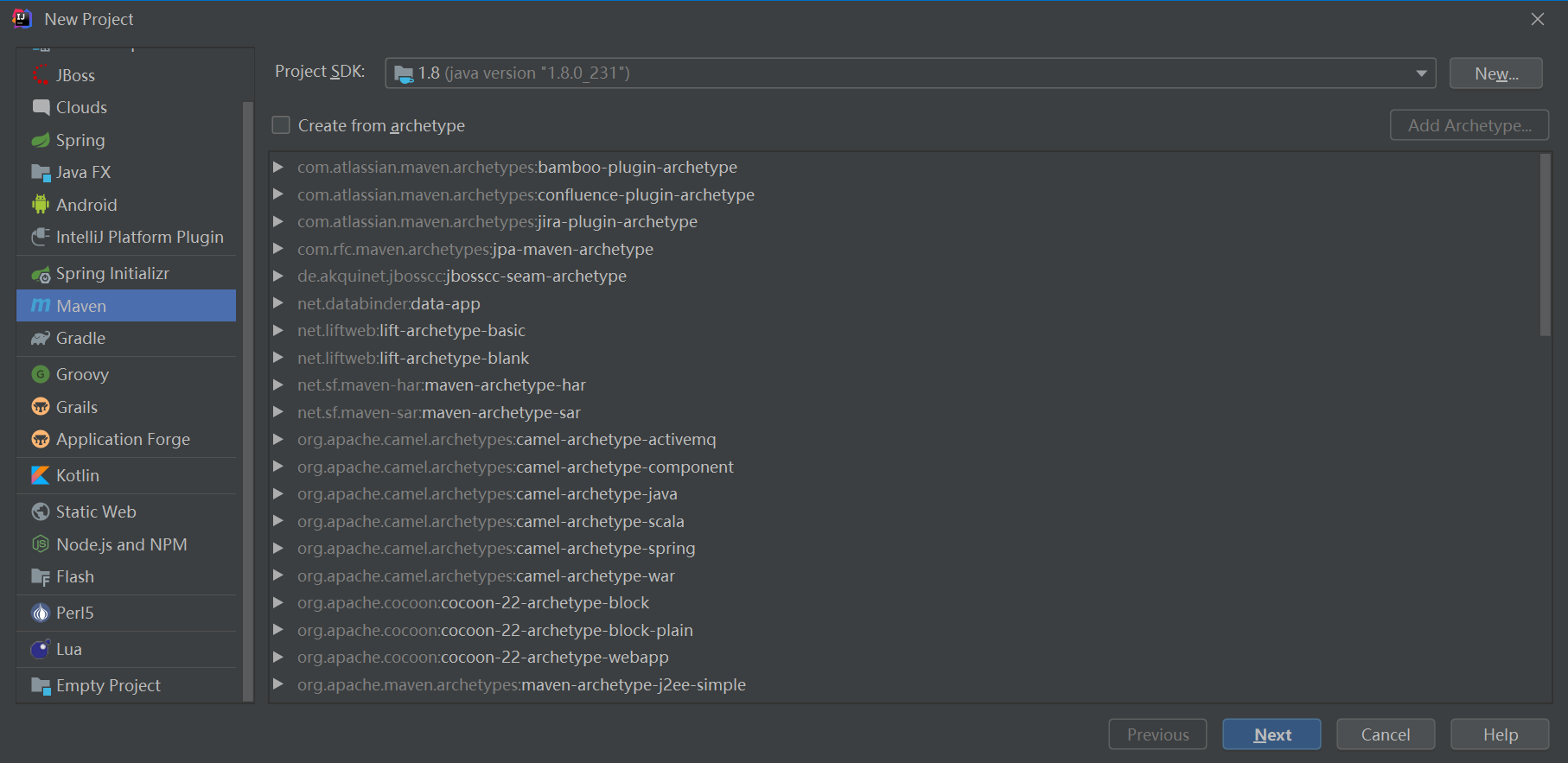
2. pom.xml
<?xml version="1.0" encoding="UTF-8"?>
<project xmlns="http://maven.apache.org/POM/4.0.0"
         xmlns:xsi="http://www.w3.org/2001/XMLSchema-instance"
         xsi:schemaLocation="http://maven.apache.org/POM/4.0.0 http://maven.apache.org/xsd/maven-4.0.0.xsd">
    <modelVersion>4.0.0</modelVersion>

    <groupId>com.zsk</groupId>
    <artifactId>netty_test</artifactId>
    <version>1.0-SNAPSHOT</version>
    <!--properties-->
    <properties>
        <project.build.sourceEncoding>UTF-8</project.build.sourceEncoding>
        <project.reporting.outputEncoding>UTF-8</project.reporting.outputEncoding>
        <java.version>1.8</java.version>
    </properties>

    <dependencies>
        <!--netty-->
        <dependency>
            <groupId>io.netty</groupId>
            <artifactId>netty-all</artifactId>
            <version>4.1.17.Final</version>
        </dependency>
    </dependencies>

    <build>
        <!--配置资源目录-->
        <resources>
            <resource>
                <directory>src/main/java</directory>
                <includes>
                    <include>**/*.*</include>
                </includes>
            </resource>
            <resource>
                <directory>src/main/resources</directory>
                <includes>
                    <include>**/*.*</include>
                </includes>
            </resource>
            <!-- 打包时将jsp文件拷贝到META-INF目录下 -->
            <resource>
                <!-- 指定resources插件处理哪个目录下的资源文件 -->
                <directory>src/main/webapp</directory>
                <!--注意此次必须要放在此目录下才能被访问到 -->
                <targetPath>META-INF/resources</targetPath>
                <includes>
                    <include>**/*.*</include>
                </includes>
                <filtering>false</filtering>
            </resource>
        </resources>
        <!--配置插件-->
        <plugins>
            <plugin>
                <groupId>org.apache.maven.plugins</groupId>
                <artifactId>maven-compiler-plugin</artifactId>
                <version>3.8.1</version>
                <configuration>
                    <source>${java.version}</source>
                    <target>${java.version}</target>
                    <!--compile with parameter names-->
                    <parameters>true</parameters>
                </configuration>
            </plugin>
            <!--能直接在IDE中运行该项目-->
            <plugin>
                <groupId>org.springframework.boot</groupId>
                <artifactId>spring-boot-maven-plugin</artifactId>
            </plugin>
        </plugins>
    </build>
</project>
3. 代码
- server
public class NettyServer
{
    public static void main(String[] args)
    {
        EventLoopGroup bossGroup = new NioEventLoopGroup(1);
        EventLoopGroup workerGroup = new NioEventLoopGroup();

        try
        {
            ServerBootstrap bootstrap = new ServerBootstrap();
            bootstrap.group(bossGroup,workerGroup)
                    .channel(NioServerSocketChannel.class)
                    .option(ChannelOption.SO_BACKLOG, 100)
                    .handler(new LoggingHandler(LogLevel.INFO))
                    .childHandler(new ChannelInitializer<SocketChannel>()
                    {
                        @Override
                        protected void initChannel(SocketChannel channel) throws Exception
                        {
                            ChannelPipeline pipeline = channel.pipeline();
                            pipeline.addLast(new LoggingHandler(LogLevel.INFO));
                        }
                    });

            ChannelFuture future = bootstrap.bind(8000).sync();

            future.channel().closeFuture().sync();
        }
        catch (InterruptedException e)
        {
            e.printStackTrace();
        }
        finally
        {
            bossGroup.shutdownGracefully();
            workerGroup.shutdownGracefully();
        }
    }
}- client
public class NettyClient
{
    public static void main(String[] args)
    {
        EventLoopGroup group = new NioEventLoopGroup(1);

        try
        {
            Bootstrap bootstrap = new Bootstrap();
            bootstrap.group(group)
                    .channel(NioSocketChannel.class)
                    .option(ChannelOption.TCP_NODELAY, true)
                    .handler(new ChannelInitializer<SocketChannel>()
                    {
                        @Override
                        protected void initChannel(SocketChannel channel) throws Exception
                        {
                            ChannelPipeline pipeline = channel.pipeline();
                            pipeline.addLast(new LoggingHandler(LogLevel.INFO));
                        }
                    });

            ChannelFuture future = bootstrap.connect("127.0.0.1", 8000).sync();

            future.channel().closeFuture().sync();
        }
        catch (InterruptedException e)
        {
            e.printStackTrace();
        }
        finally
        {
            group.shutdownGracefully();
        }
    }
}